
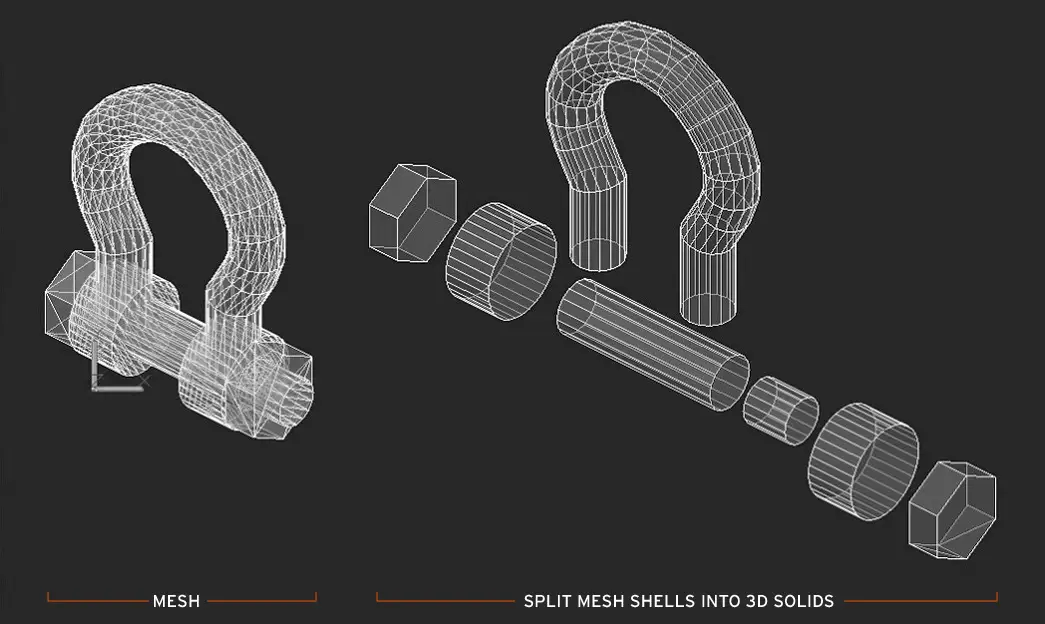
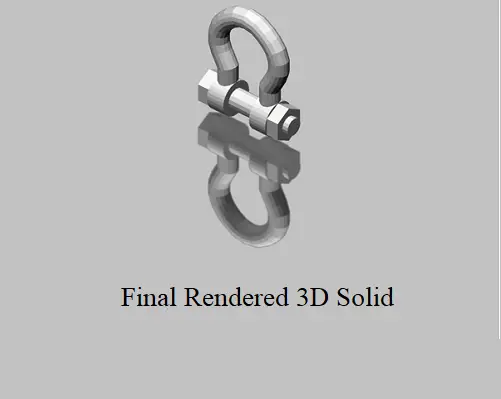
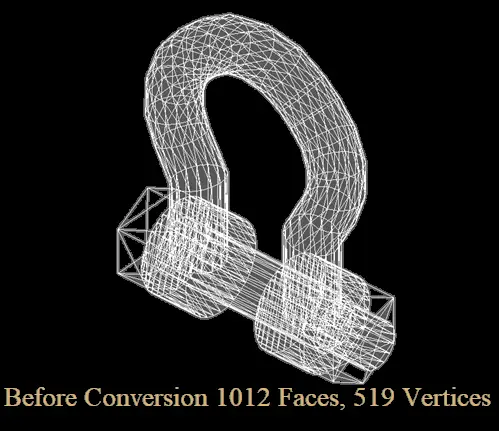
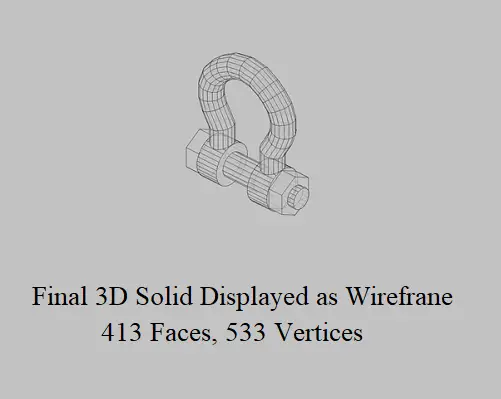
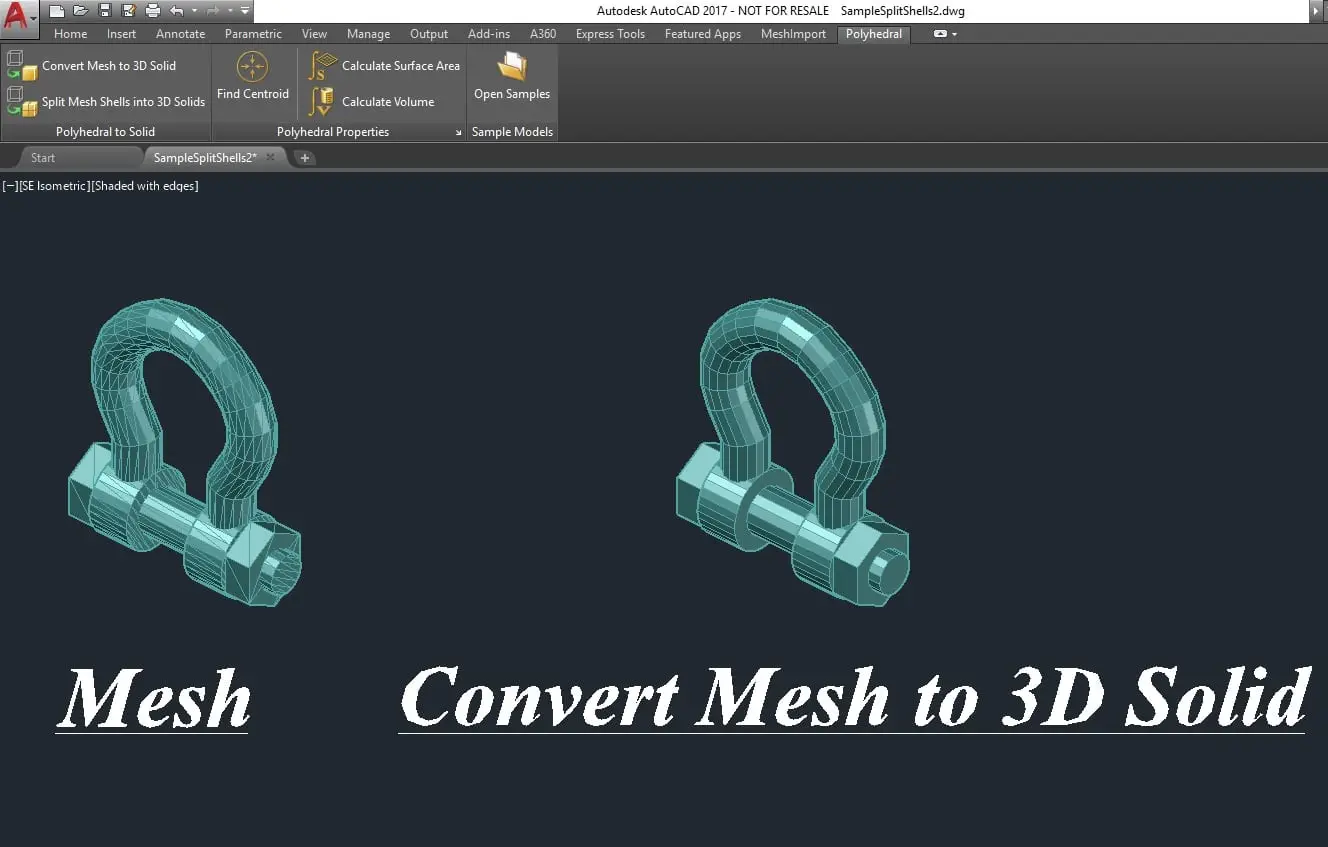
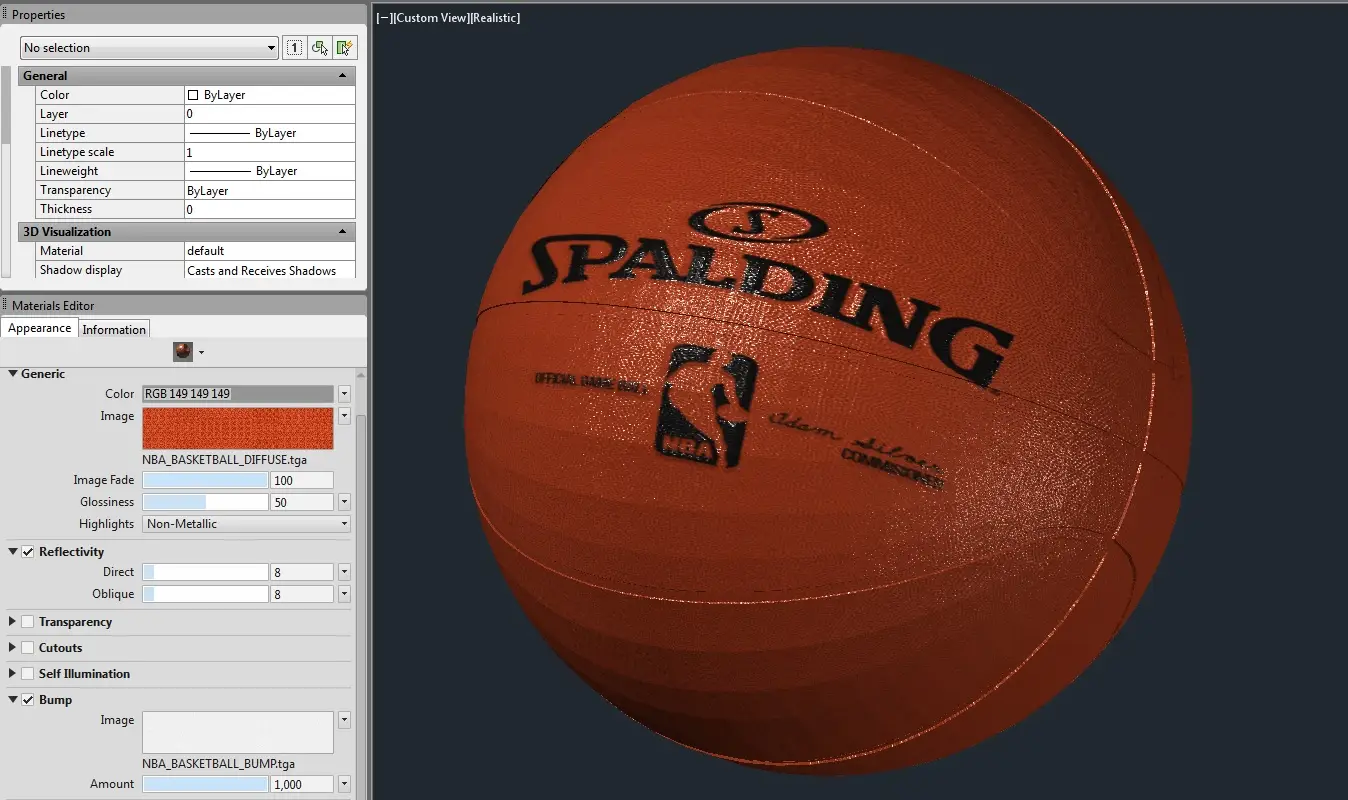
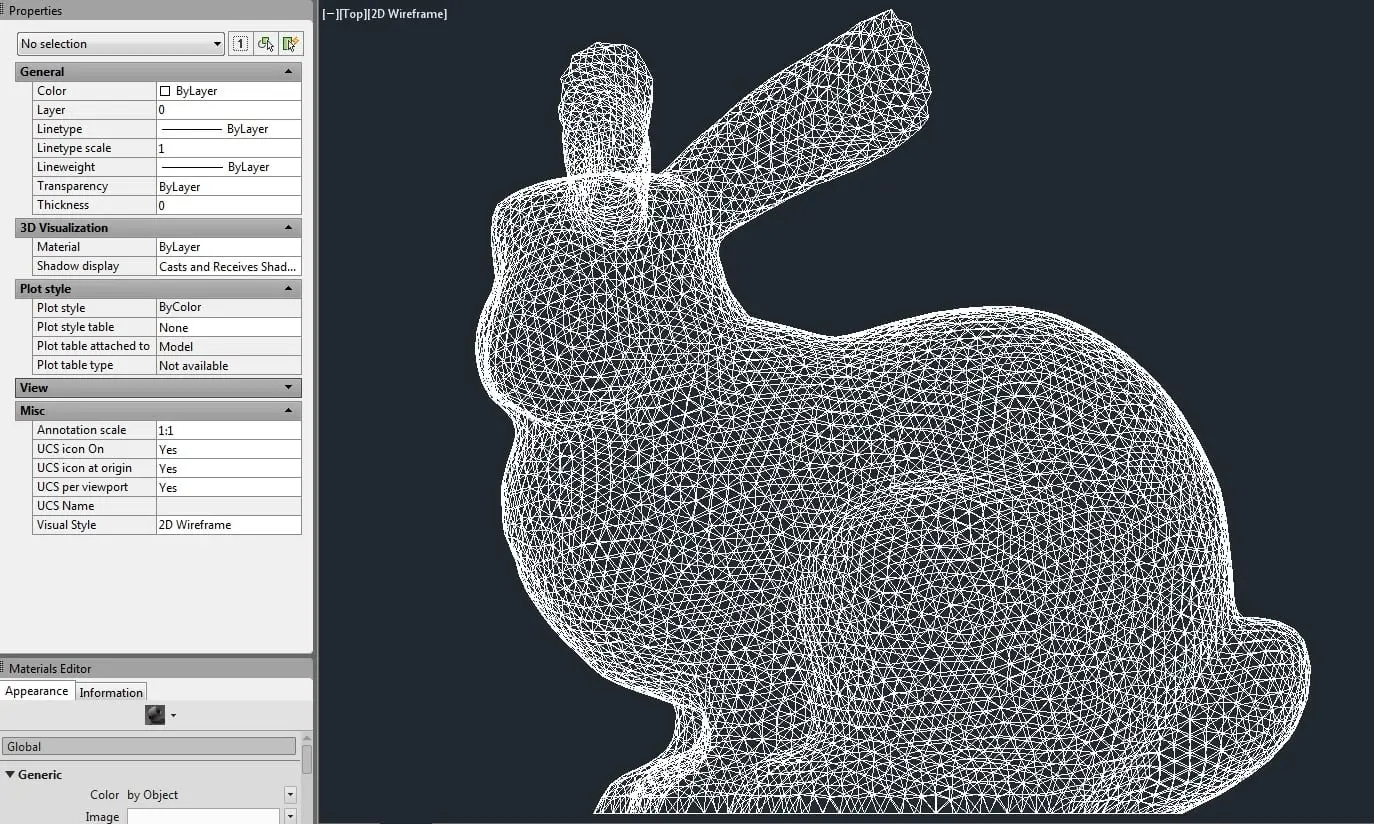
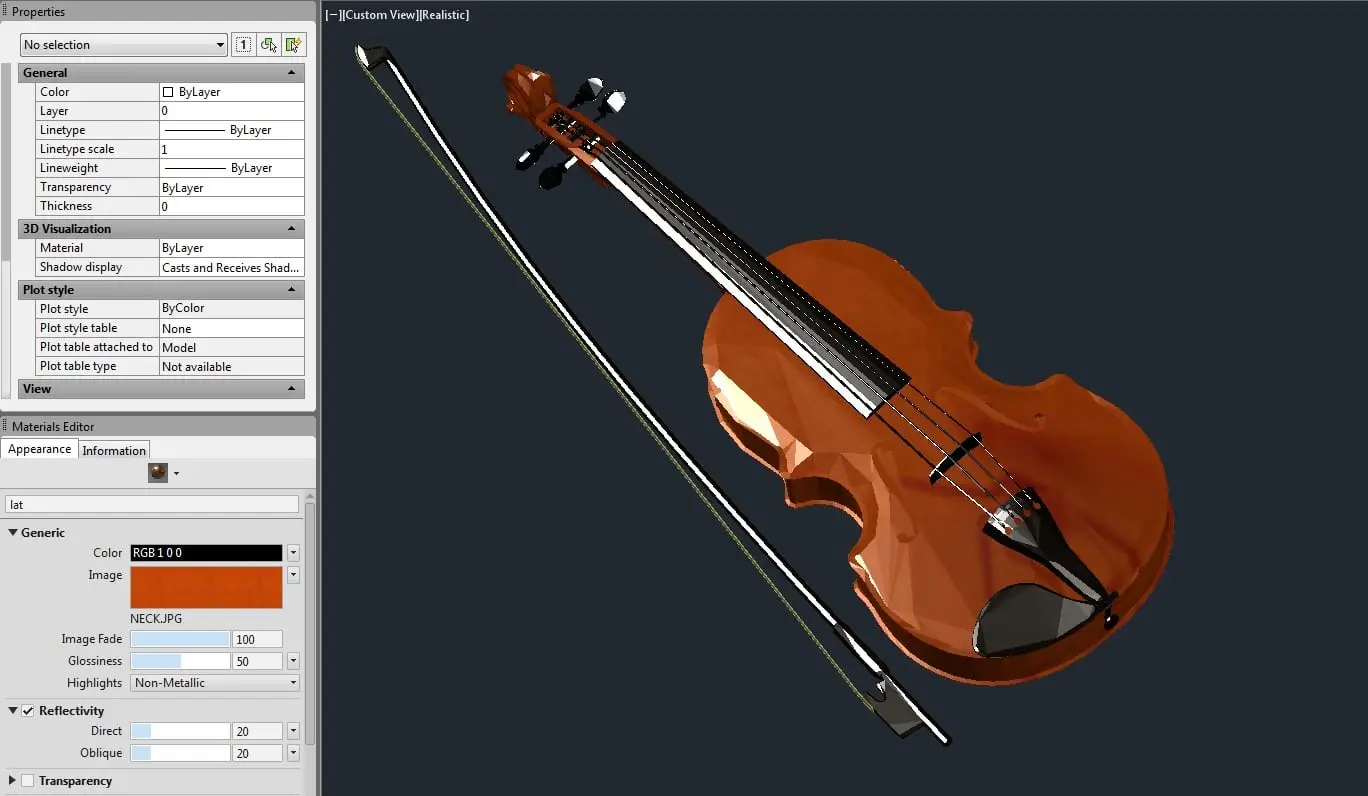
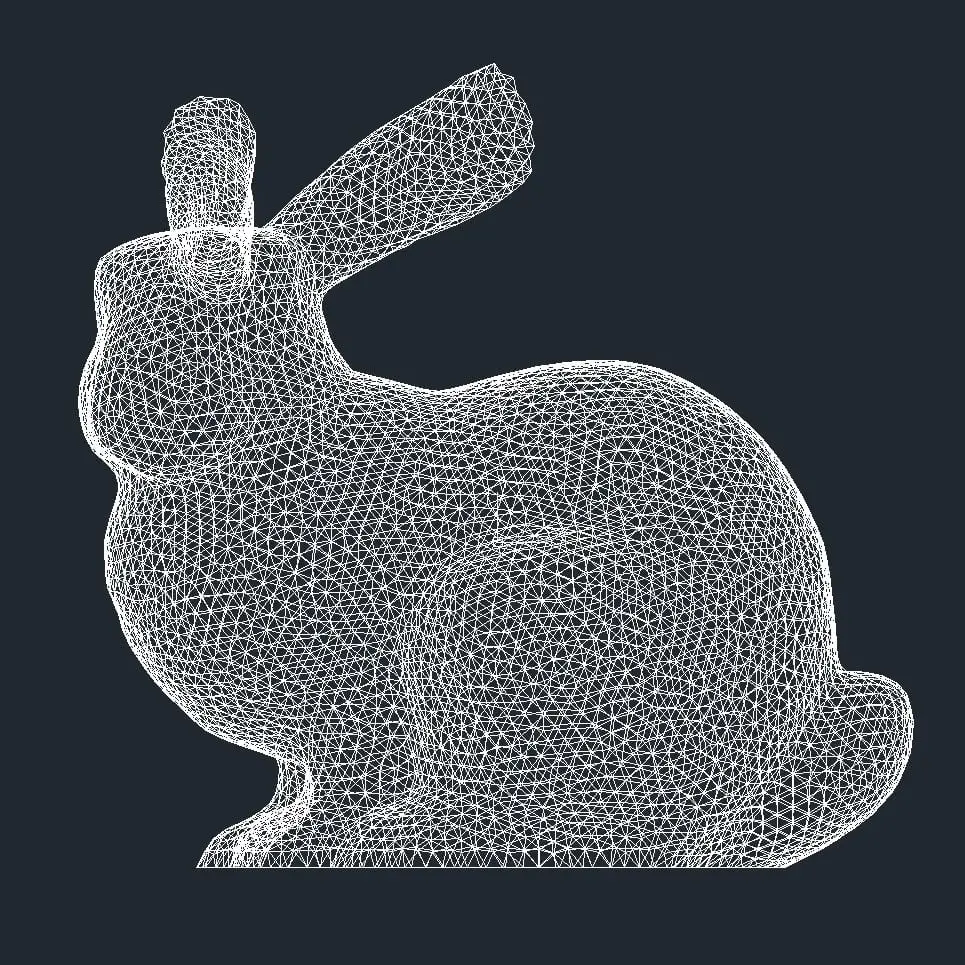
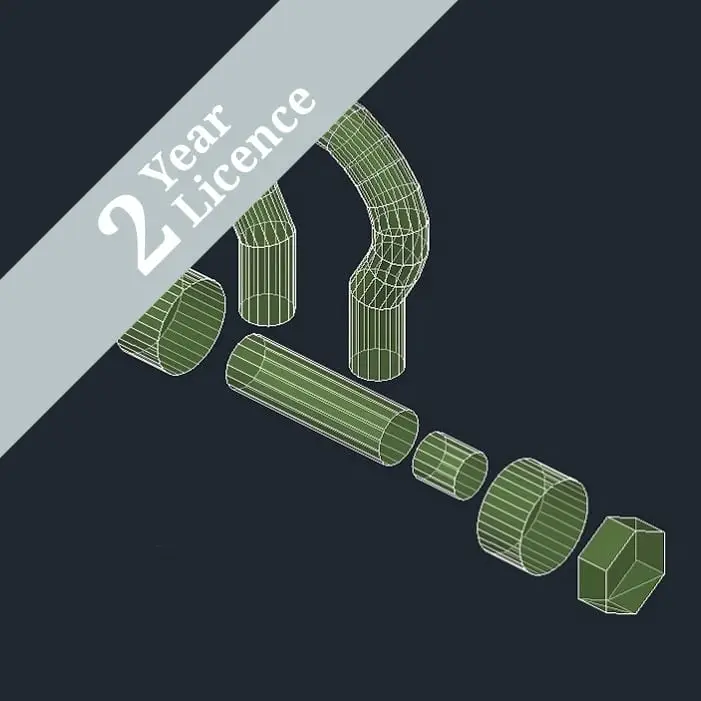
Polyhedral Mesh to Solid for AutoCAD (2015 to 2025) is for that hard to convert Mesh or Polyface Mesh, which won’t convert to 3D Solids because of self-intersecting faces, inverted normal, gaps etc., this is a common problem when working with a mesh imported from other sources into AutoCAD or created from third party applications that may not take enough care with mesh tessellation or editing. Polyhedral Mesh to Solids conversion method optimizes the mesh to reduce tessellation, producing a more optimised, visually clean solid, without affecting the accuracy of the geometry.
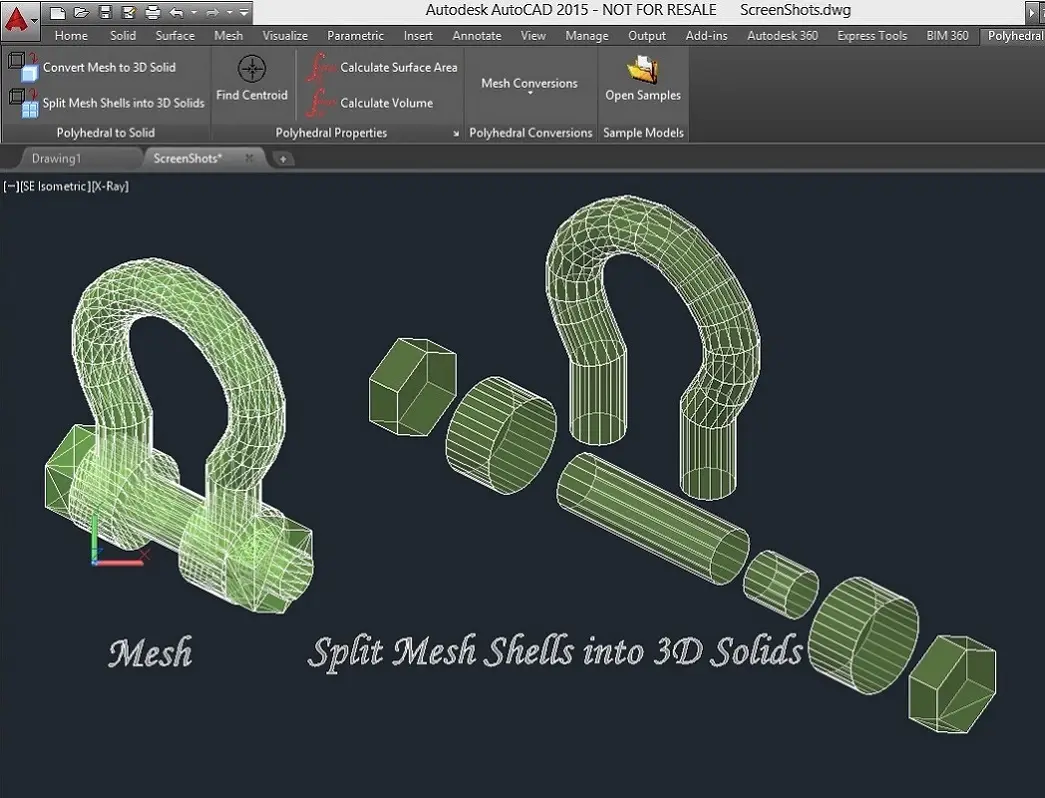
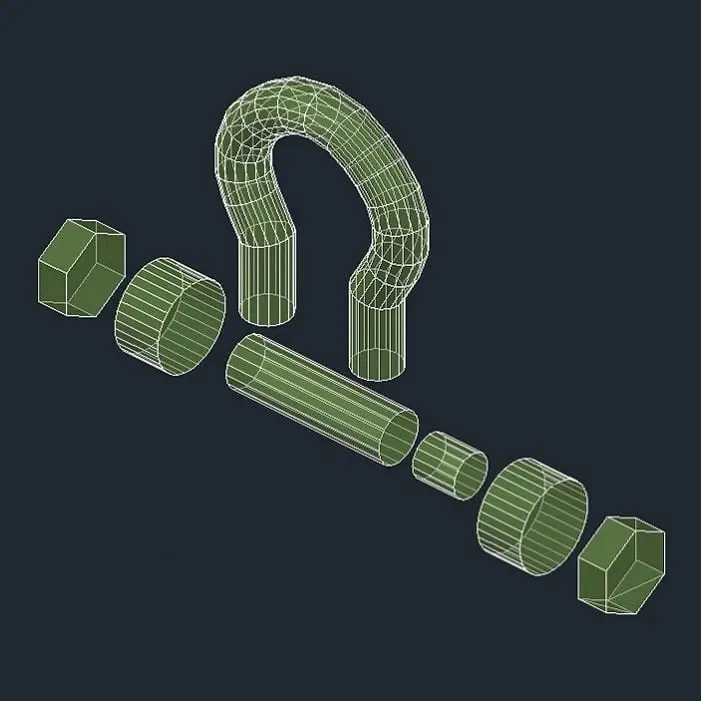
The software can also be used to split a mesh into its component shells if desired, producing a separate 3D solid of each shell within a single mesh.
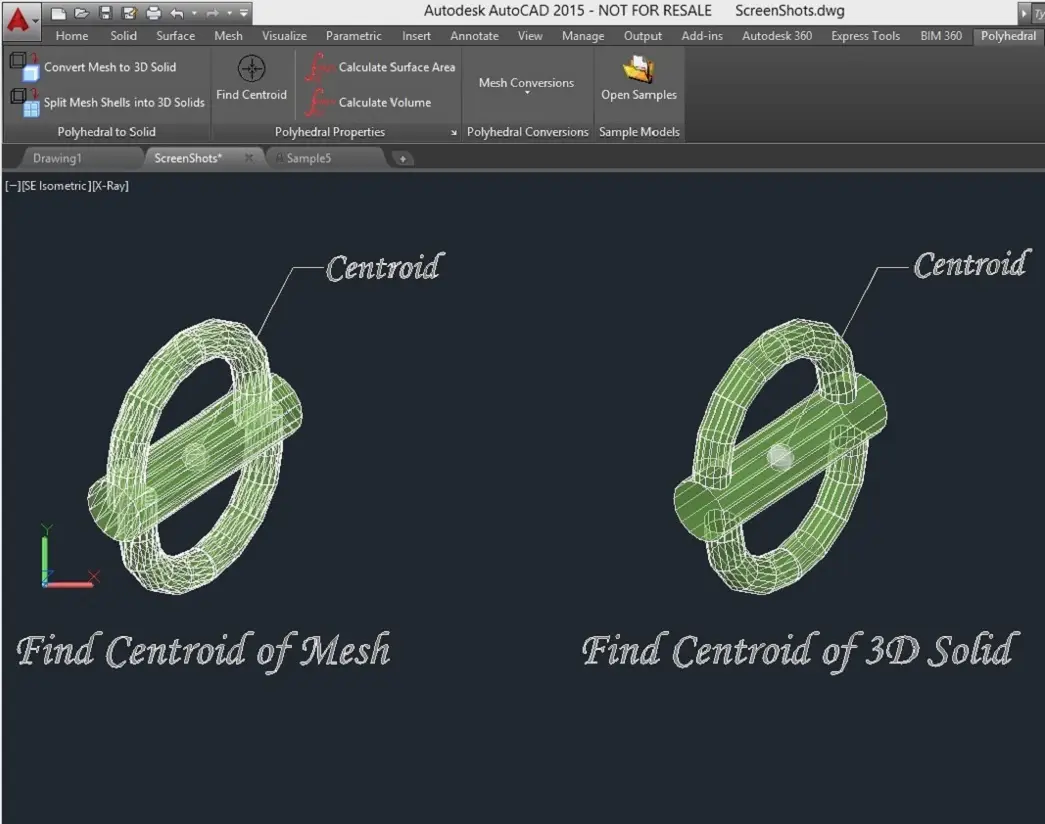
Our software also locates and displays the position of the Center of Mass for a single object or for a group of objects (using a density of 1, for all objects). This functionally works in conjunction with either 3D Mesh or 3D Solid objects or a combination of both.
The following Polyhedral Mass Properties can be displayed and/or written to a file:
Polyhedral Mesh to Solid software for AutoCAD also provides methods for conversion of a mesh or solid to 3D lines, faces or points.